


Garden Design App
A garden design app that starts with a photo, not a floor plan
Most garden design apps ask you to measure your plot and draw it before you can see anything. FlorAI skips that entirely: take one photo of your garden, choose a style, and get a photorealistic redesign of that exact space in about ten seconds. Nothing to draw, nothing to measure, nothing to learn.
- No drawing, measuring or plant placement
- Photorealistic results, not a 3D model
- Three free designs a day, no credit card
- iPhone, Android and any modern browser

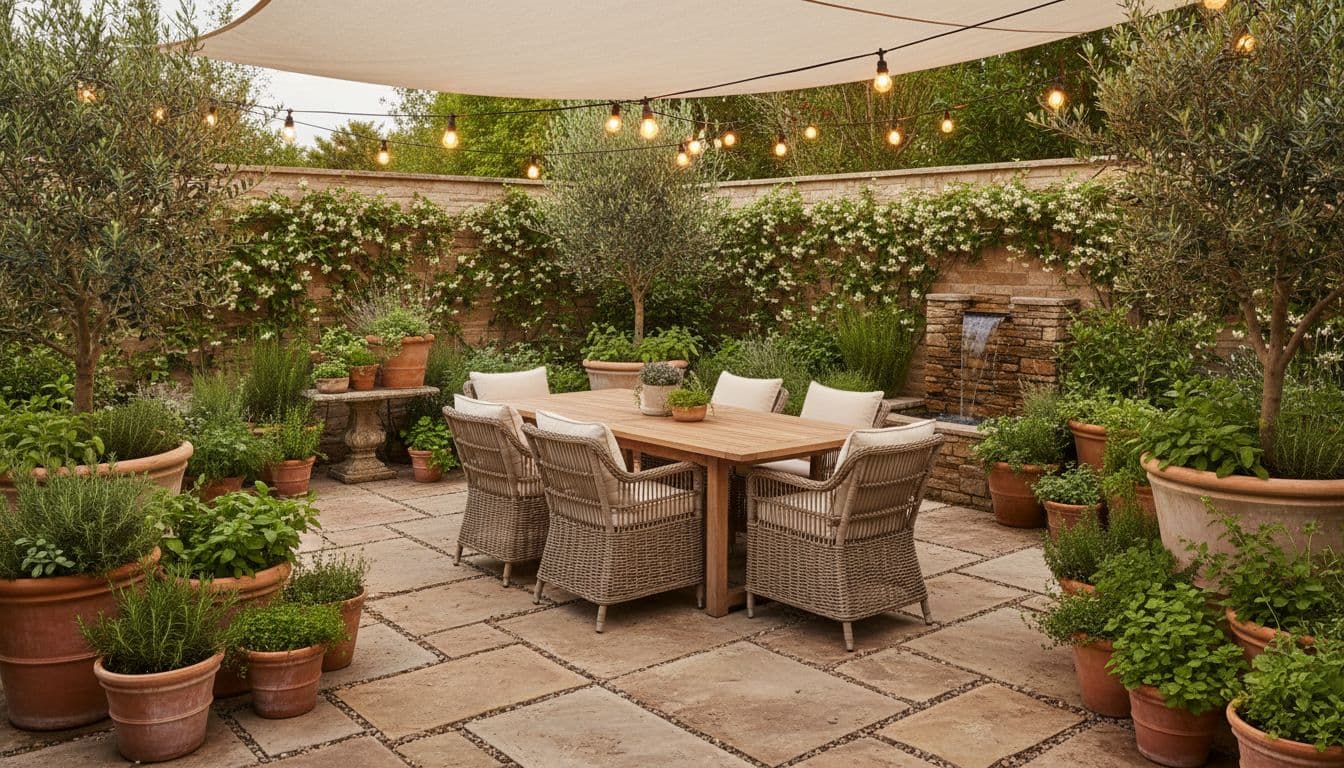
What this garden design app does
FlorAI is a garden design app for iOS, Android and the web that generates a photorealistic redesign of a real garden from a single photograph. It handles planting, paving, structures and lighting as one coherent scheme, keeps the existing boundaries and buildings in place, and produces a shareable image rather than a measured plan.
How it works
Designing a garden in four steps
The entire process happens on a phone, standing in the garden, in about a minute.
- 1
Take one photo
From the widest viewpoint, showing the boundaries. Overcast light gives the cleanest result.
- 2
Pick a style
Modern, cottage, Japanese, Mediterranean, tropical, minimalist, desert and more.
- 3
Generate
The app redesigns the space in your photo and returns a finished image.
- 4
Save, compare, share
Keep the ones you like, compare them side by side, and send the best to whoever is doing the work.
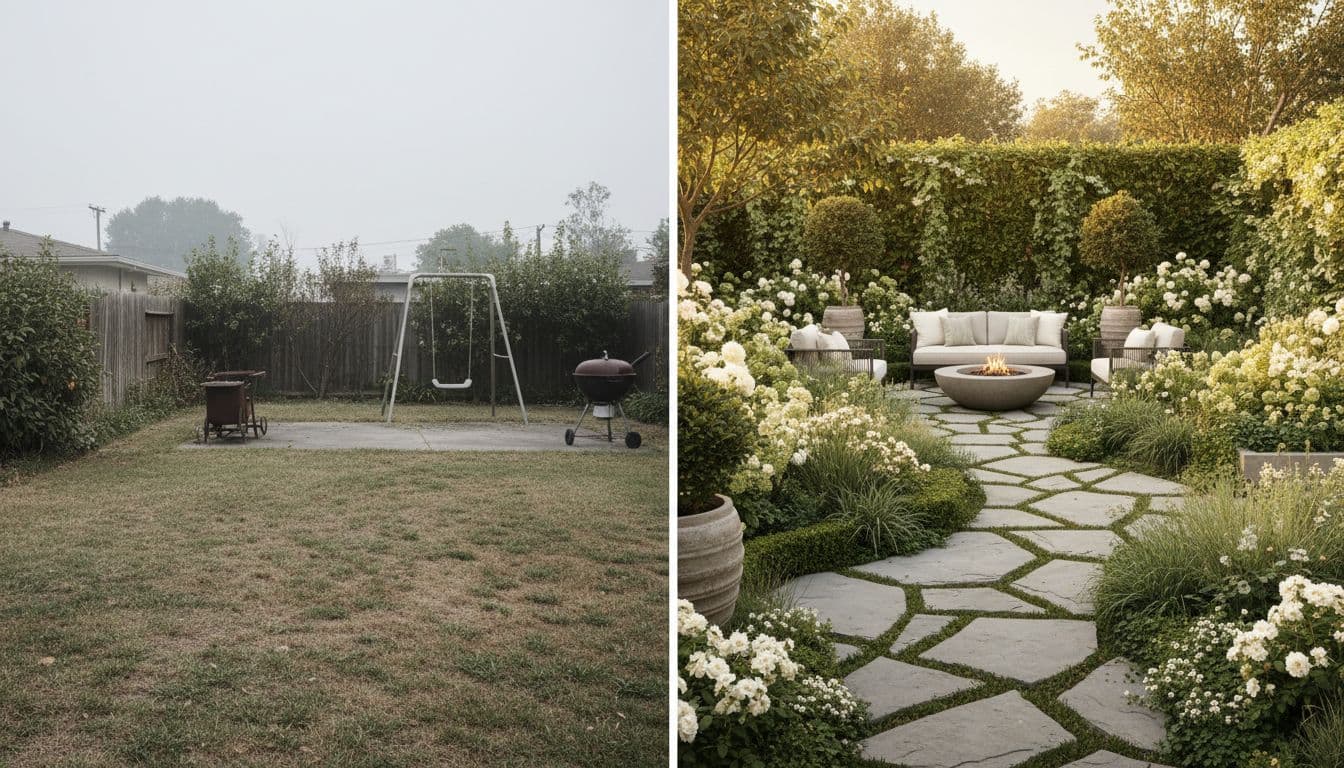
The difference
Why most garden design apps stall at step one
The traditional model asks for a survey before it gives you anything: measure the boundaries, draw the plot, mark the house, place beds, then populate them from a plant library. Every one of those steps is a chance to give up, and most people do — usually somewhere around measuring the fence.
Starting from a photograph removes the entire setup phase. The first useful output arrives before you have made any commitment at all, which is the opposite of how garden design software usually feels.
- No survey, no boundary drawing, no scale to set
- First result in seconds rather than an evening
- Nothing to learn — the interface is take-photo, pick-style
- Works from an existing photo on your camera roll
Coverage
Every outdoor space, not just lawns and borders
A garden is rarely one thing. Most projects involve a seating area, a route through it, some screening, planting, and something to look at in winter — and changing one of those affects the others.
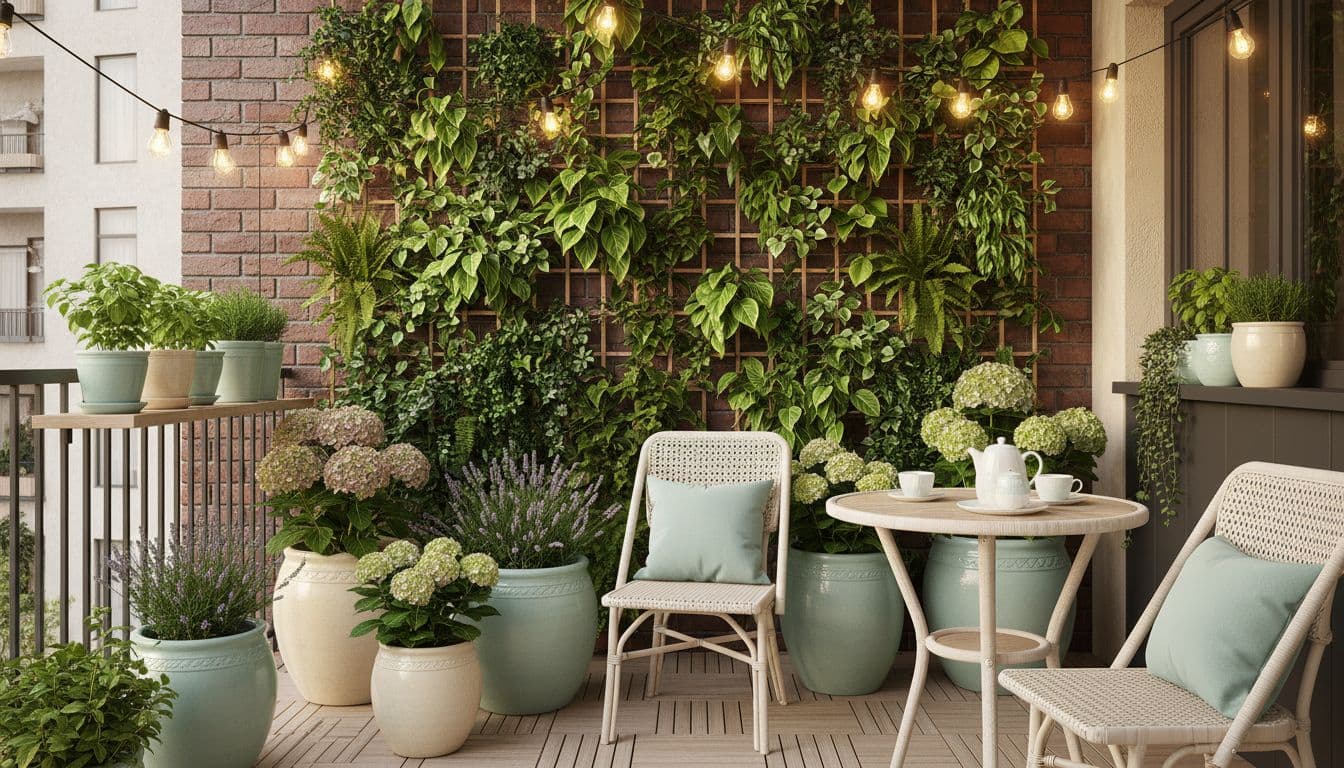
Because the app redesigns the whole visible scene at once, the result reads as a coherent scheme rather than a collection of separate decisions. That is also why it works on spaces that are not really gardens at all: balconies, roof terraces, courtyards and side returns.
- Backyards, front yards and whole-property views
- Patios, decks, terraces and balconies
- Courtyards, side returns and driveway approaches
- Pool surrounds and poolside planting
- Borders, beds and container planting
App vs software
When you want software instead
This is worth being straight about. If you need a measured plan — something a contractor can build from, with real dimensions, levels, drainage falls and a plant schedule — then you want landscape design software or a landscape designer, not a design app.
What an app like this is genuinely better at is the part before that: deciding what you actually want. It is faster, it is realistic, and it costs almost nothing to change your mind. Use it to reach a decision, then take that decision to whoever will produce the drawings.
- App: fast, photorealistic, decision-making, concept
- Software: measured, dimensioned, buildable, documentation
- The two are sequential, not alternatives
FAQ
Questions people ask
Is there an app for garden and landscape design?
+
Yes. FlorAI designs gardens, backyards, front yards, patios, balconies and terraces from a photograph, on iOS, Android and the web. It generates photorealistic images rather than measured plans.
Is the garden design app free?
+
There is a permanent free tier of three designs per day with no credit card. Paid plans remove the daily limit and the watermark and add seasonal views and area editing.
Do I need to measure or draw my garden first?
+
No. That is the main difference from traditional garden design software. You take one photo and the app works from that.
Does it work on a phone as well as a computer?
+
Yes. There are native apps for iOS 16.0 or later and Android 7.0 or later, plus a web app that runs in any modern browser with nothing to install.
Can I use it for a vegetable garden or raised beds?
+
Yes, though it is a visual design tool rather than a crop planner — it shows you how a kitchen garden or raised-bed layout will look, not a sowing schedule.
Can a contractor work from the images?
+
They work well as a visual brief, which shortens the conversation considerably. They are concept images, so a contractor will still produce measured drawings for levels, drainage and materials.
Design your garden from a photo
Nothing to draw, nothing to measure. Three free designs a day.